Your cart is currently empty!
Compilation of Activity
1. Simple Guestbook Plugin
This activity features a Simple Guestbook Form where users can submit their name, email, and a message. The interface includes input fields and a message textarea arranged clearly with a “Sign Guestbook”
2. Building a CRUD Plugin
This activity demonstrates the creation of a Student Enrollment Form using wordpress plug in. The form includes essential input fields such as first name, last name, email address, course, gender selection, enrollment date, and contact number. It also features a styled submit button labeled “Enroll Now”.
3. Project Website Deployment in Hostinger
4. E-Commerce Plugin (WooCommerce)
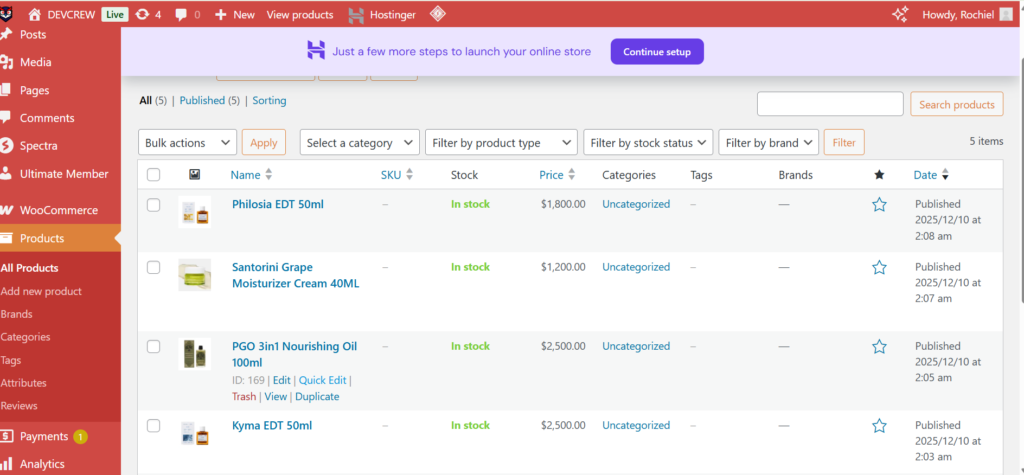
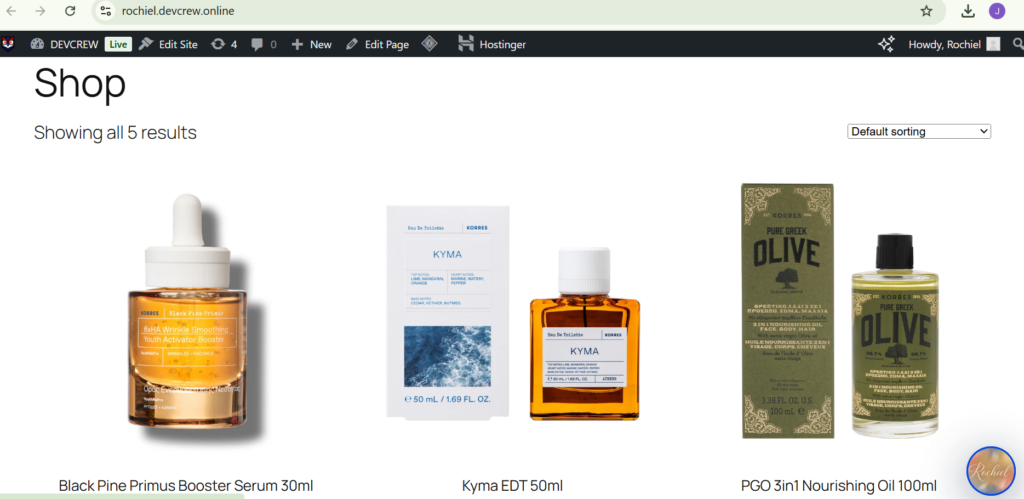
This activity demonstrates the end-to-end process of managing an online store’s inventory. It captures the dual perspective of the system: the Administrative Backend, where products are configured, and the User Frontend, where products are presented to customers.
5. Install and Configure White Label Plugin
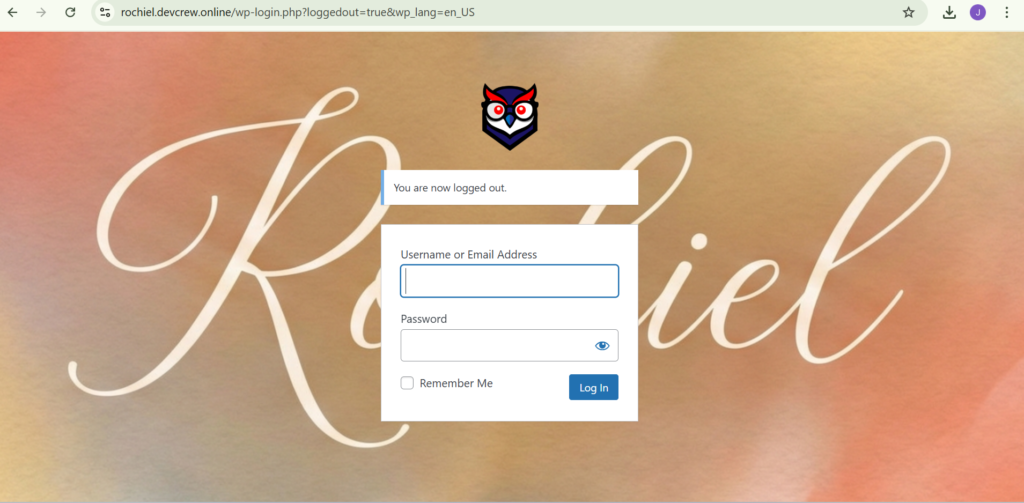
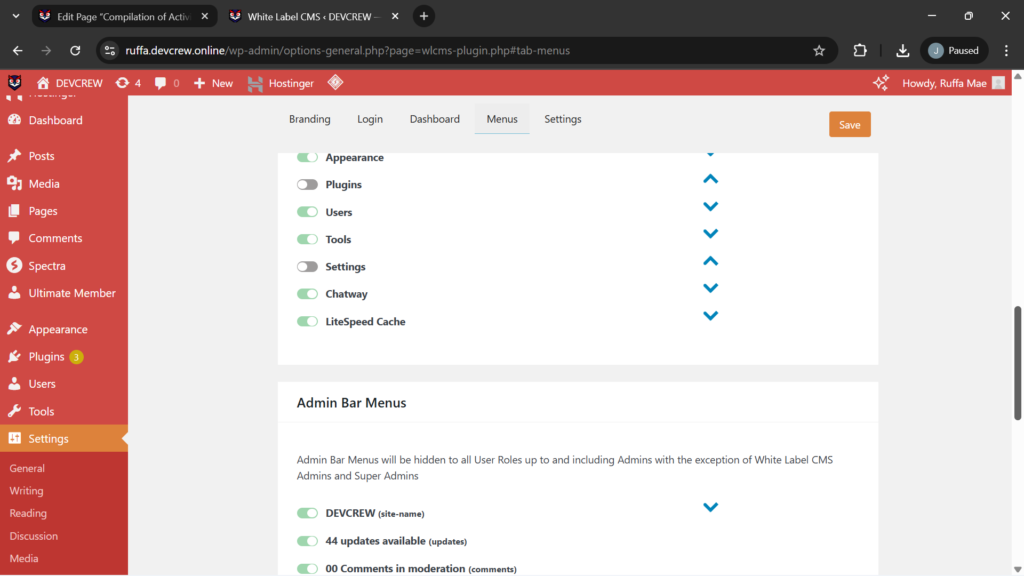
The image displays the login interface of the web application hosted at rochiel.devcrew.online. The specific activity captured is the successful termination of a user session, indicated by the notification message confirming the user has logged out. The second image shows the White Label CMS plugin settings inside the WordPress admin dashboard, focusing on the Menus tab. In this activity, the user is customizing and managing the visibility of various WordPress menu items to control what different user roles can access in the backend.
6. Install and Configure WordFence Plugin for 2FA
7. Install and Configure Ultimate Member for User Roles
The activity displayed in the image involves customizing a user registration form in WordPress, specifically using the Ultimate Member plugin. The form builder interface shows different user input fields such as Username, First Name, Last Name, Email Address, Password, Birth Date, Gender, Country, and Phone Number.

8. Install and Configure Chatway Plugin for Chatbot
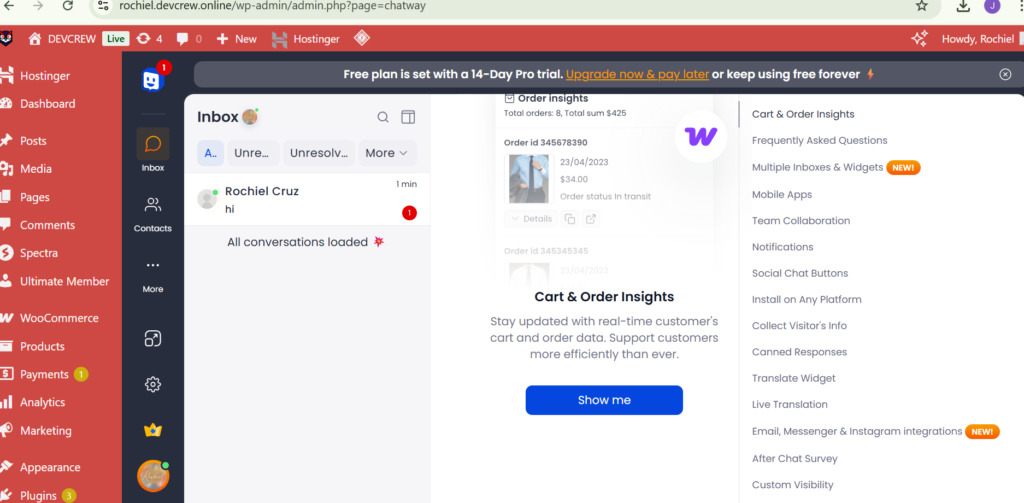
The image shows the Chatway plugin interface inside the WordPress dashboard, where the user is viewing the Inbox section of the chatbot system. This area displays real-time chat conversations between website visitors and the site administrator.